Apple Wallet

Your West Virginia driver's license or state ID. Now on iPhone.

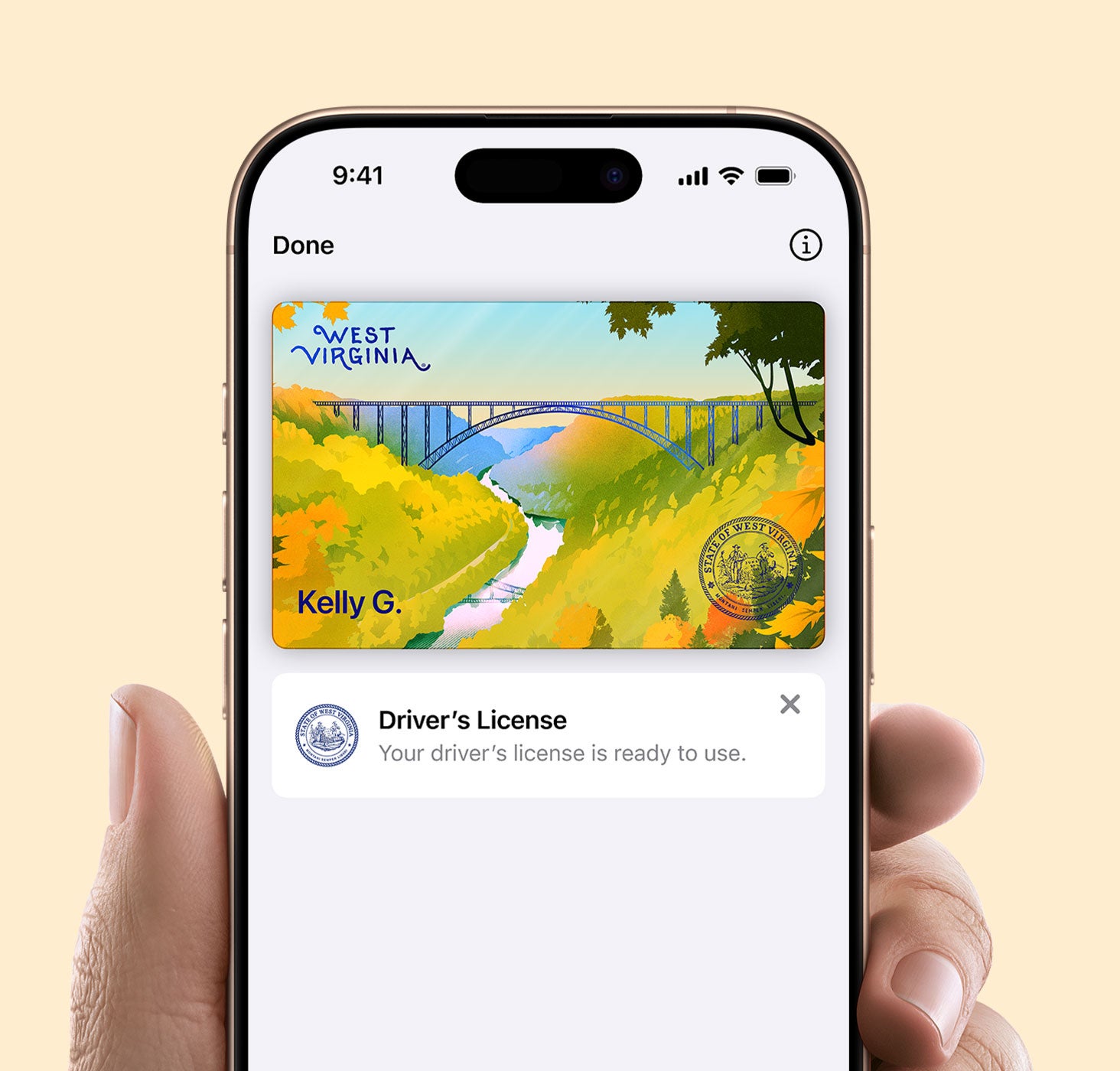
Now you can add your West Virginia driver's license or state ID to Apple Wallet on iPhone and Apple Watch so you can present it easily and securely in person and in app at select businesses and organizations.
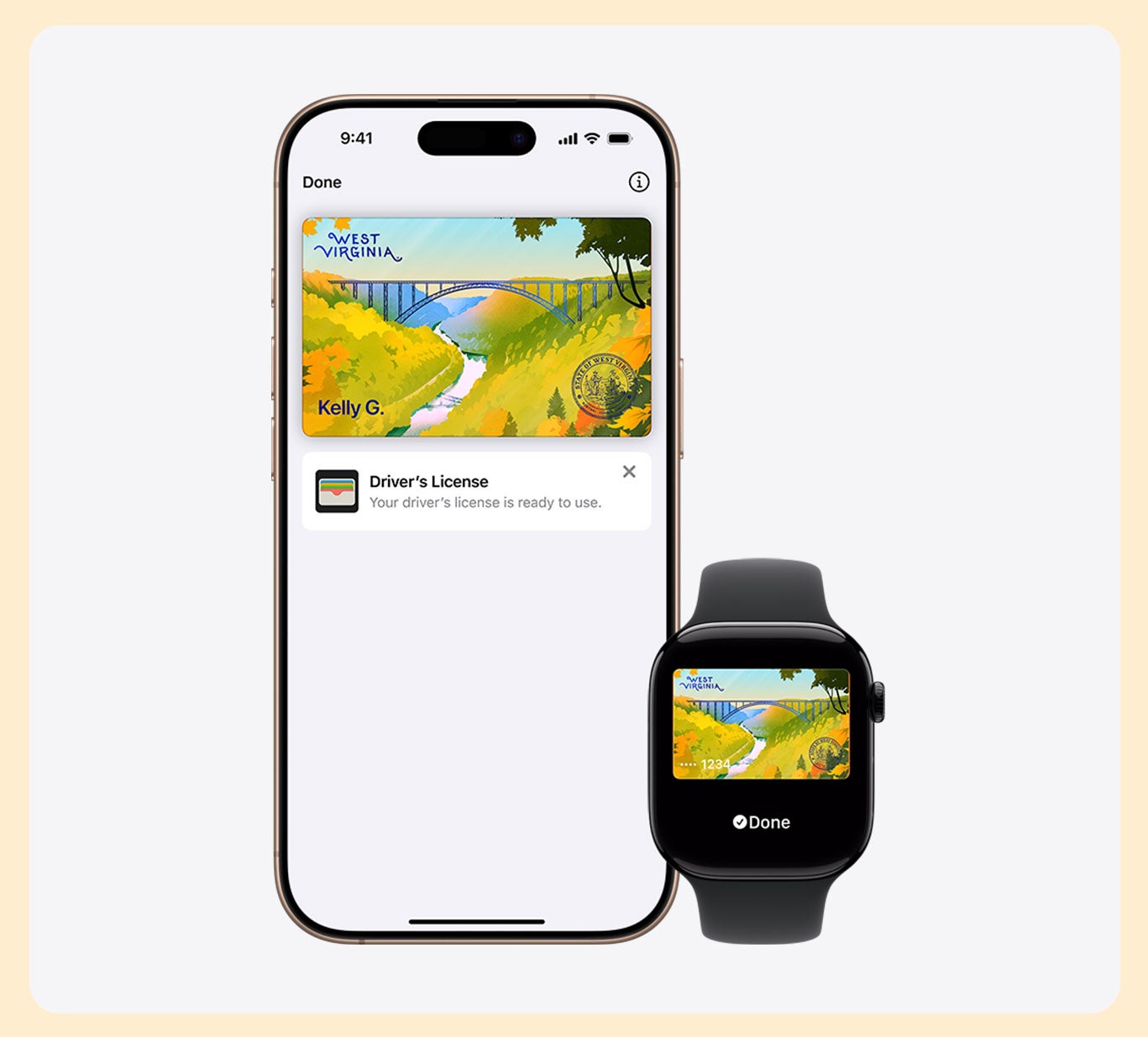
Presenting your ID is easy.
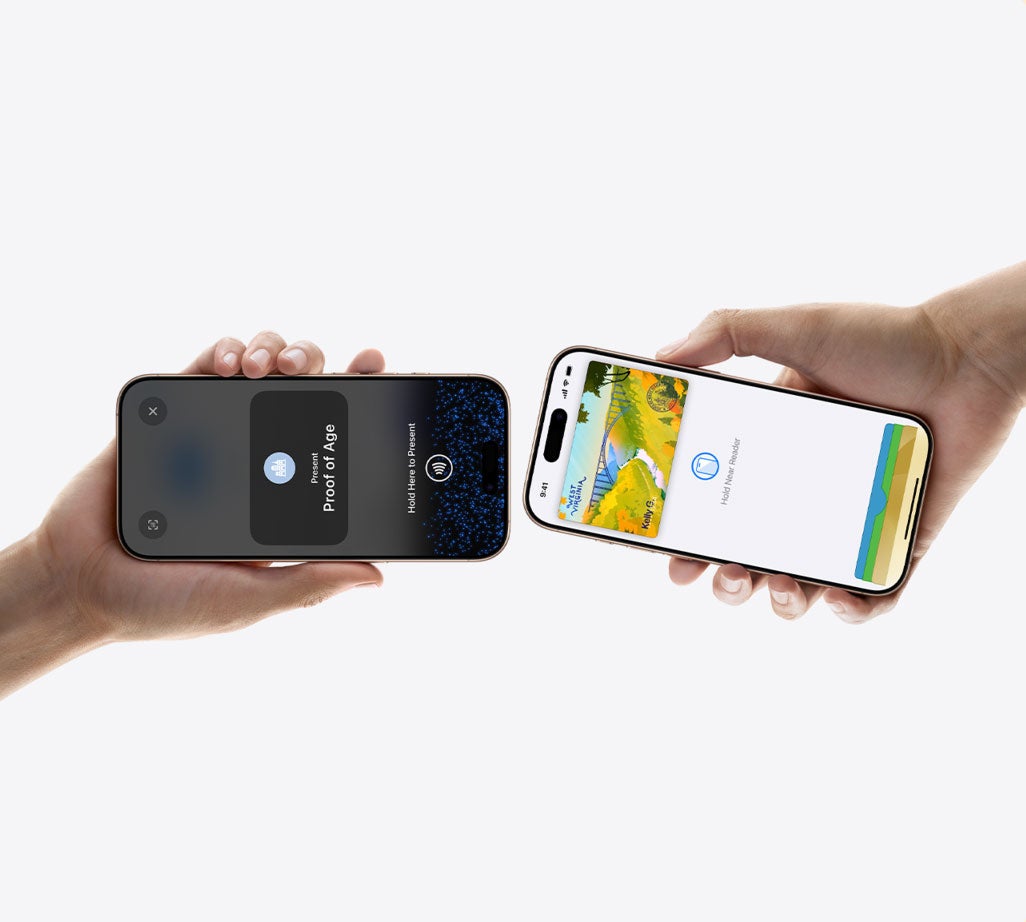
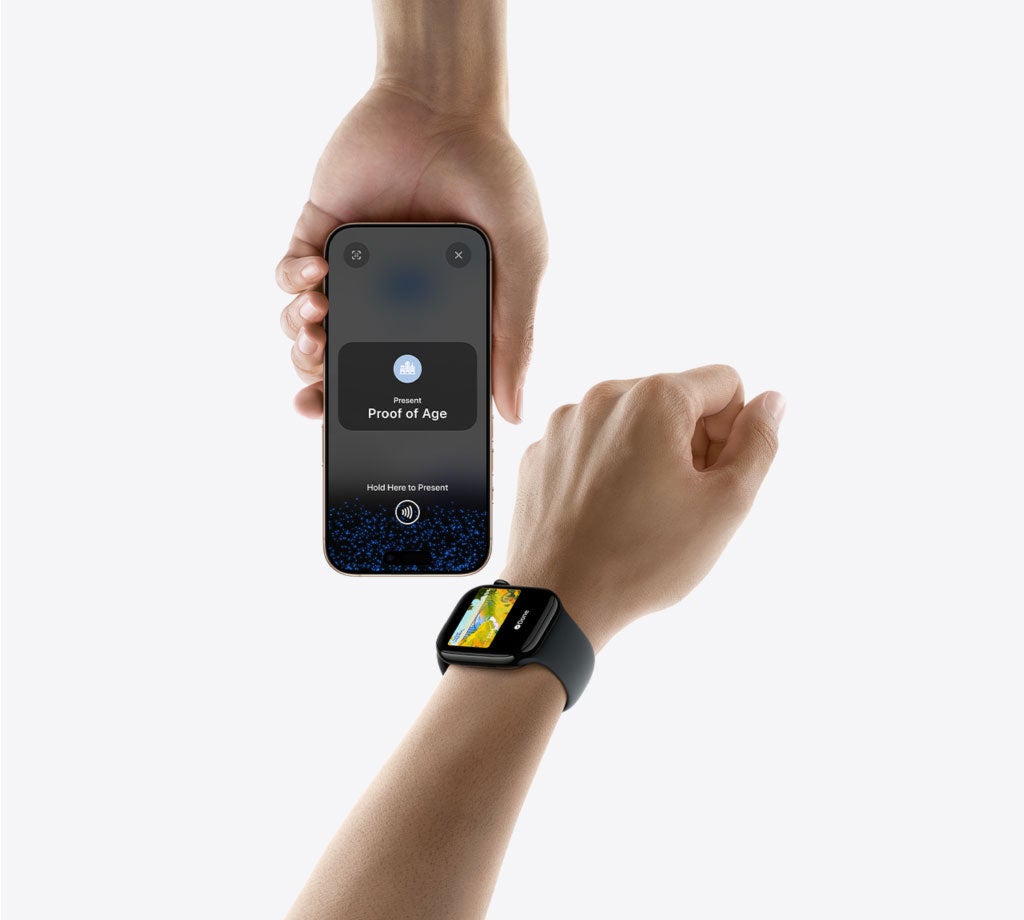
Your ID in Apple Wallet on iPhone and Apple Watch is presented digitally between your device and the identity reader, so you'll never need to show or hand over your iPhone or Apple Watch to any business.
Present your ID without handing over your iPhone.
Your ID in Apple Wallet is secure with Face ID, a built-in security feature of iPhone. This makes it so only you can present your driver's license or state ID in person or in app.
Your ID has an extra layer of security.
If your iPhone or Apple Watch is misplaced or lost, you can manage your driver's license or state ID in Apple Wallet with the Find My app. From any browser, log in to your iCloud account to pause or delete your ID.
How to add your ID to Apple Wallet.
To add your ID to your iPhone and any paired Apple Watch, open Apple Wallet and tap the plus sign (+) at the top-right corner of the screen. Select Driver's License or State ID, then follow the onscreen instructions to start the setup process.
How to present at a business.
When in person at a select business, present your ID in Apple Wallet on iPhone or Apple Watch by holding your device near the identity reader. Review the requested information, confirm, and you're done.

You have questions. We have answers.
Legal Disclaimer
ID in Apple Wallet is available in select U.S. states and territories... Requires eligible device and OS versions. ID in Wallet is not a replacement for a physical ID which may still be needed.
Terms and Conditions for West Virginia Mobile ID